
How to use Liftory from ChatGPT
Add Liftory to ChatGPT from its Plugins and ask in plain words: build a plan, review your workouts, answer your coach. ChatGPT asks before it changes anything.
Open Liftory in ChatGPTStep by step
Find Liftory in ChatGPT
In ChatGPT, open Plugins, search for Liftory, add it and select Connect.
Open Liftory in ChatGPT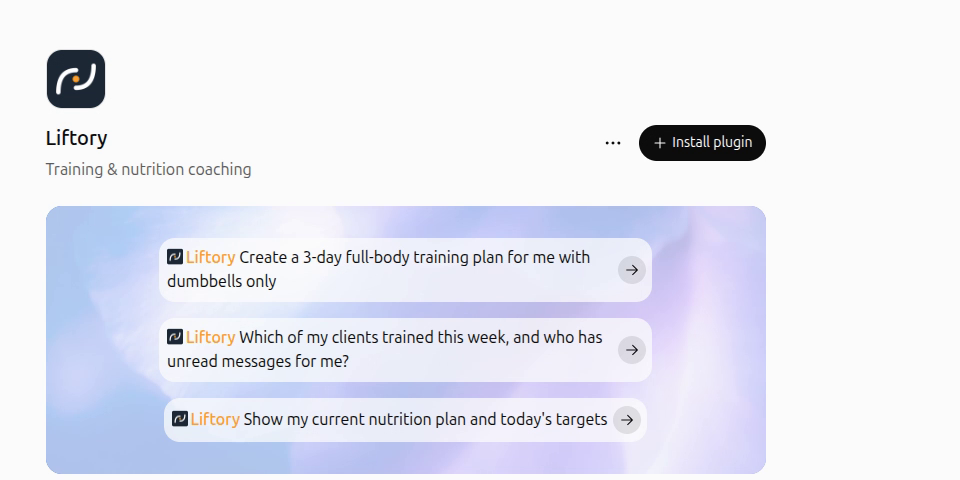
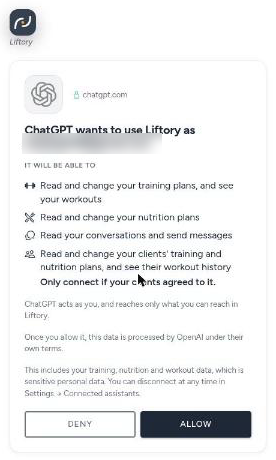
Allow access on Liftory's own page
Liftory's page names the account ChatGPT will use and lists what it will be able to do with your plans, workouts, nutrition and messages, and with your clients' if you coach, so only connect if they agreed. Select Allow and you are back in ChatGPT.
Ask in plain words
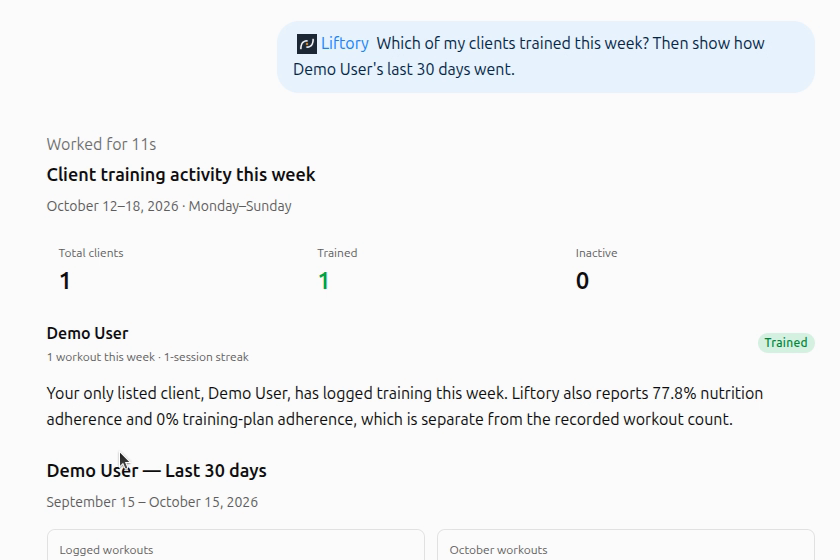
Ask for the plan you want, for example three full-body days a week with dumbbells only. Ask how your last workouts went, or, as a coach, which clients you coach and how they are doing.
Nothing changes without your OK
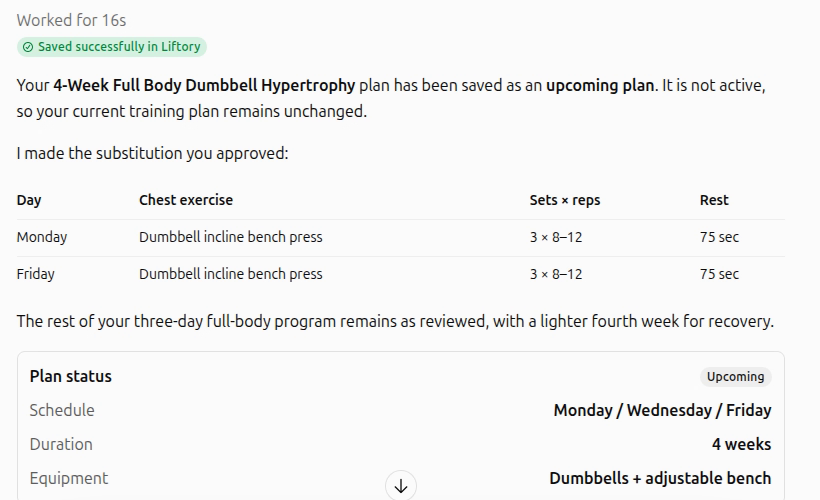
Before it saves a plan, changes a menu or sends a message, ChatGPT asks, and you choose Deny, Allow once or Always allow. It acts as you and reaches only what you can reach in Liftory.
See it in Liftory
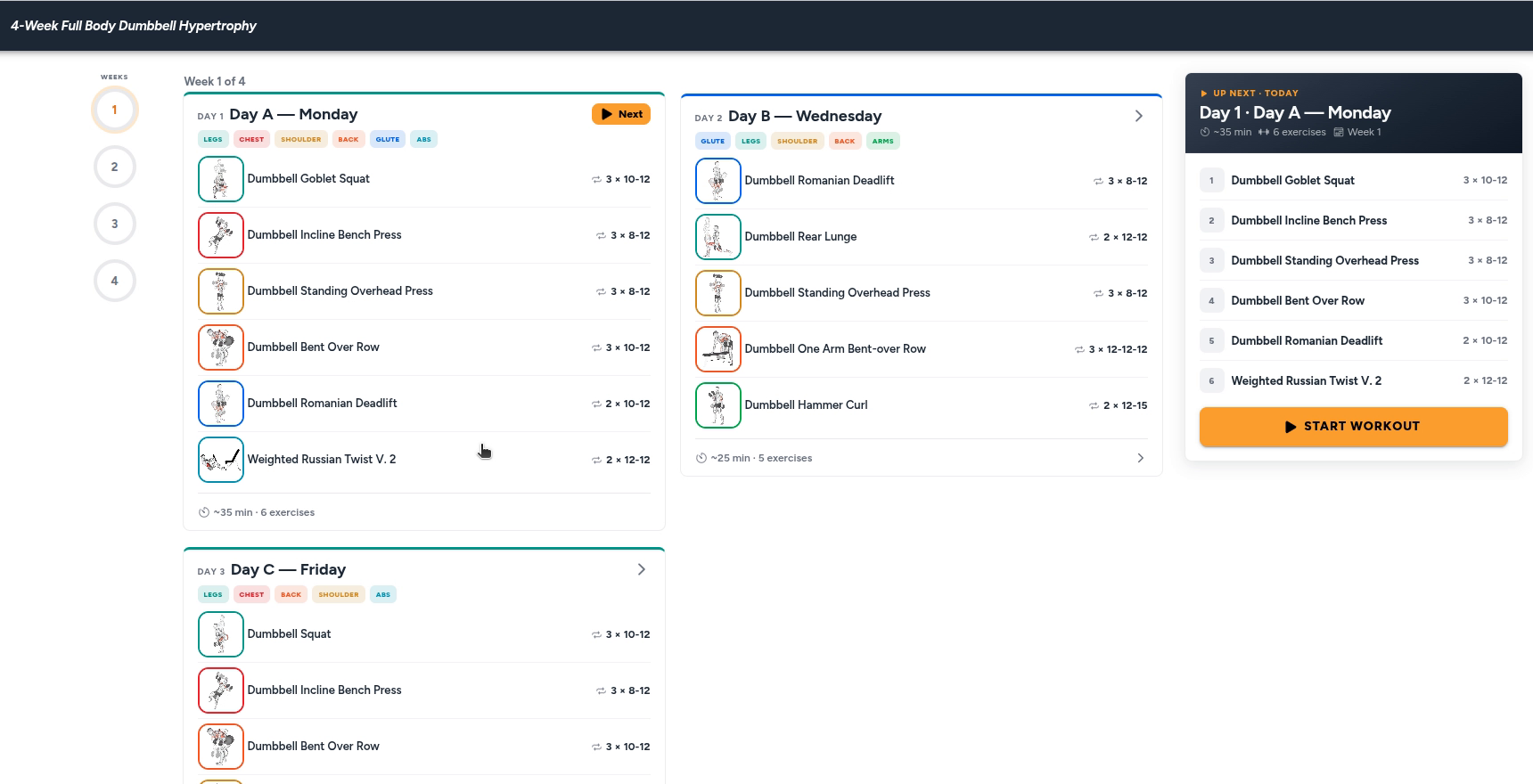
The plan ChatGPT saved is in the Liftory app right away, under Plans, with every day, exercise, set and rest. Open the app, or pull down on the list to refresh it.
Disconnect at any time
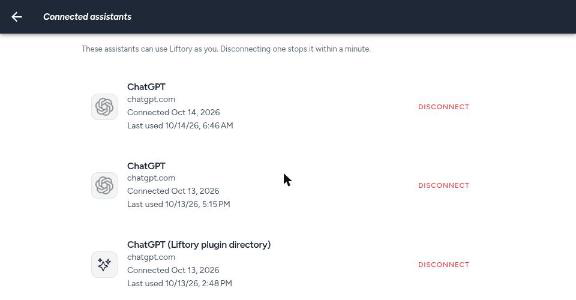
In the Liftory app, open Settings, then Connected assistants, and select Disconnect next to ChatGPT. Access stops within a minute.


Your next PR starts here.
Free for athletes. Pro plans for trainers and studios.
Available in Switzerland. Expanding across Europe in 2026.